10 FREE Must Have Business Tools
Maximising Business Efficiency with Free Software Tools
Running a business requires juggling multiple tasks—marketing, finance, communication, and customer management. Fortunately, a range of free software tools can help streamline these operations without cutting into your budget. Leveraging these tools effectively, from project management to financial tracking, can enhance efficiency and boost profitability.

1. Project Management & Workflow Optimisation
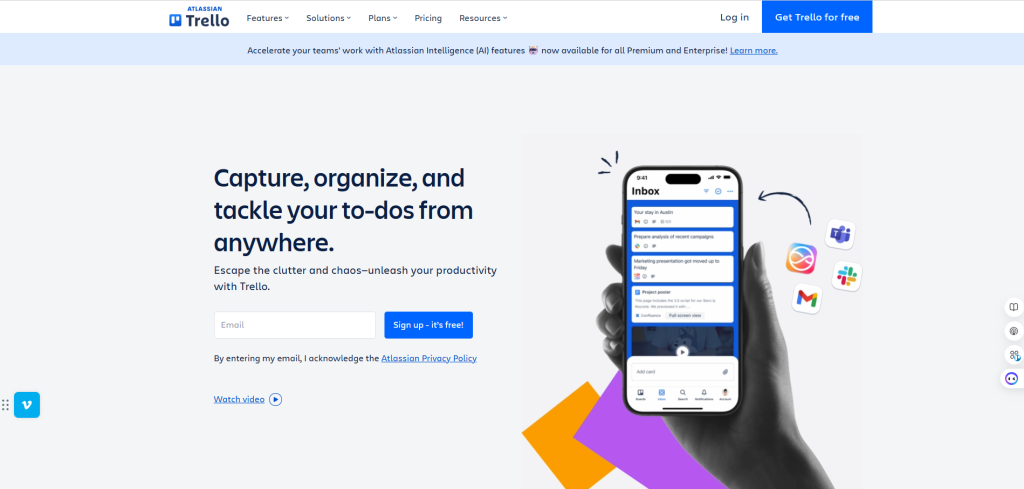
Trello – Organising Appointments & Treatment Plans
Trello is a must-have for task organisation. With its intuitive drag-and-drop interface, businesses can assign tasks, track progress, and collaborate effortlessly. Trello simplifies workflow and keeps everyone aligned for companies managing multiple departments or campaigns.
A beauty clinic can use Trello to manage client bookings, staff schedules, and treatment follow-ups. Create boards for different services (facials, laser treatments, etc.) and track client preferences to ensure personalised care. It’s also great for inventory management, ensuring supplies like serums and gloves are always stocked.
Zapier – Automation to Improve Workflow
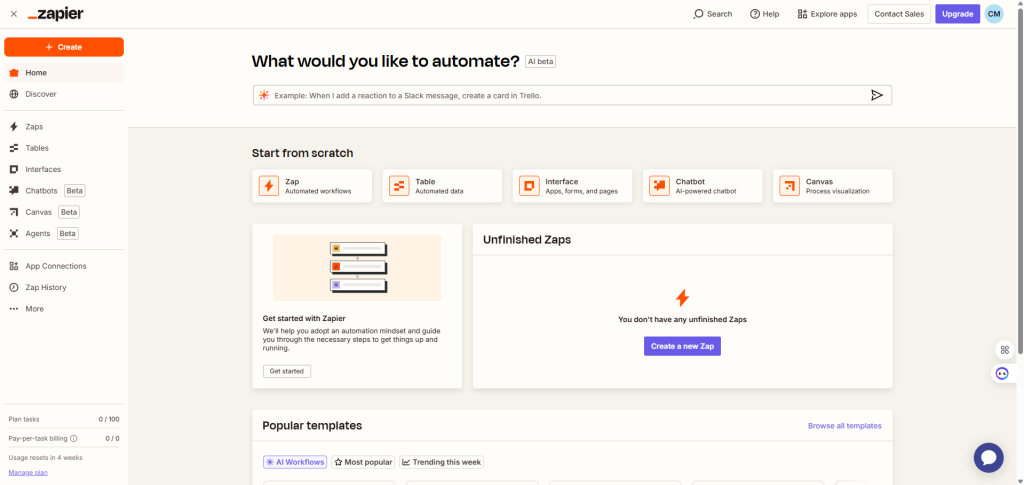
Another key automation tool, Zapier, connects various applications to automate repetitive tasks, such as sending emails or updating spreadsheets. This allows businesses to focus on strategy rather than manual work.
Repetitive tasks, such as appointment confirmations and client follow-up emails, can be automated using Zapier. It connects multiple apps (e.g., linking Trello with Mailchimp for appointment reminders) to save time and streamline processes.
Zapier – Workflow Automation
Workflow Setup:
- Link Trello + Mailchimp to send appointment confirmation emails automatically.
- Connect Google Sheets + Wave to track financial records in real-time.
- Sync Square + Slack to notify staff when a payment is processed.
Template Example:
- Automation Trigger:
“When a client books a facial, send a confirmation email & add it to Trello appointments.”
2. Financial Management & Invoicing
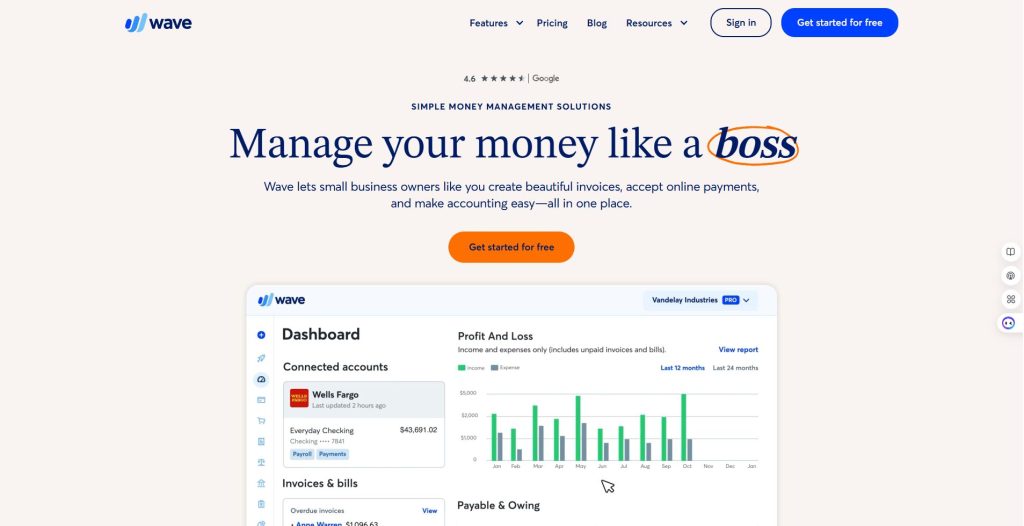
Wave – Hassle-Free Financial Tracking & Invoicing
Handling finances can be overwhelming, but Wave simplifies it. Beauty clinics can send professional invoices for treatments, track expenses (like skincare products and equipment purchases), and manage financial reports—all without expensive accounting software.
Keeping financial records organised is crucial, and Wave offers free accounting and invoicing tools tailored for small businesses. With automatic transaction categorisation and built-in invoicing, business owners can reduce paperwork and ensure smooth cash flow.
Wave – Invoicing & Finance Tracking
Workflow Setup:
- Set up automatic recurring invoices for loyal clients on membership plans.
- Categorize expenses into “Skincare Purchases,” “Equipment Upgrades,” and “Advertising”.
- Generate monthly profit/loss reports for business insights.
Template Example:
Invoice Format:
- Client Name: [Auto-filled]
- Service: Facial Rejuvenation
- Price: $150
- Due Date: [Auto-filled]
- Payment Link: [Square Integration]
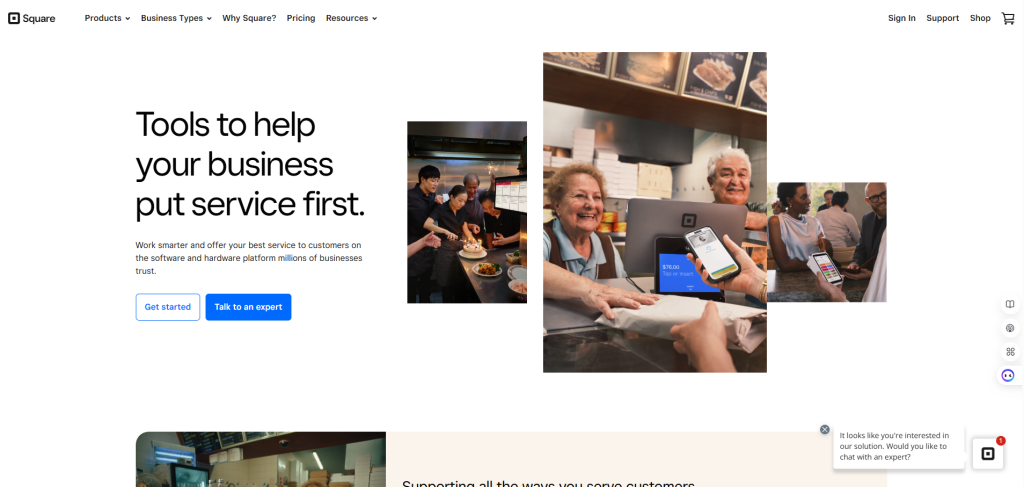
Square – Easy Payment Processing for Beauty Treatments
For clinics offering on-the-go services (mobile beauty treatments, pop-up events, or bridal makeup), Square provides a free point-of-sale system that allows seamless payment collection and invoicing.
For businesses that rely on online payments, Square provides a free point-of-sale system that integrates with e-commerce platforms, making transactions seamless and user-friendly.
Square – Seamless Payment Processing
Workflow Setup:
- Set up one-click payment links for treatments via Wave invoices.
- Offer loyalty rewards through Square POS for repeat clients.
- Enable contactless payment options for convenience.
Template Example:
- Payment Receipt:
“Thank you for your visit, [Client Name]! Your Hydrating Facial ($150) is paid. We hope to see you soon.”
3. Marketing & Branding
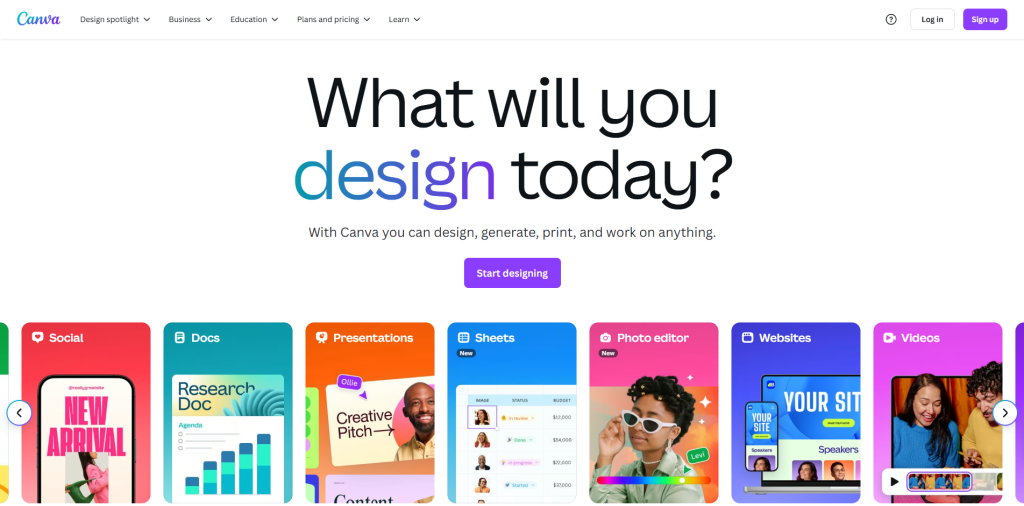
Canva – Stunning Promotional Material & Social Media Posts
Visual branding is crucial in the beauty industry. Canva allows clinics to create eye-catching Instagram posts, flyers, service menus, and promotional materials in minutes. High-quality images and aesthetically pleasing designs can boost engagement and attract new clients.
A strong brand presence is essential, and Canva helps businesses create eye-catching graphics for social media, websites, and presentations. Its free templates and design elements make high-quality branding accessible to all.
Canva – Social Media & Marketing
Workflow Setup:
- Use preset templates to create beauty service promotions.
- Schedule posts with Buffer for consistent engagement.
- Customize designs with clinic branding colors and fonts.
Template Example:
- Instagram Post:
“Glow Up with Our New Hydrating Facial! Book Now & Get 20% Off” - Beauty Service Menu:
Designed with elegant gold fonts, featuring treatment details & pricing.
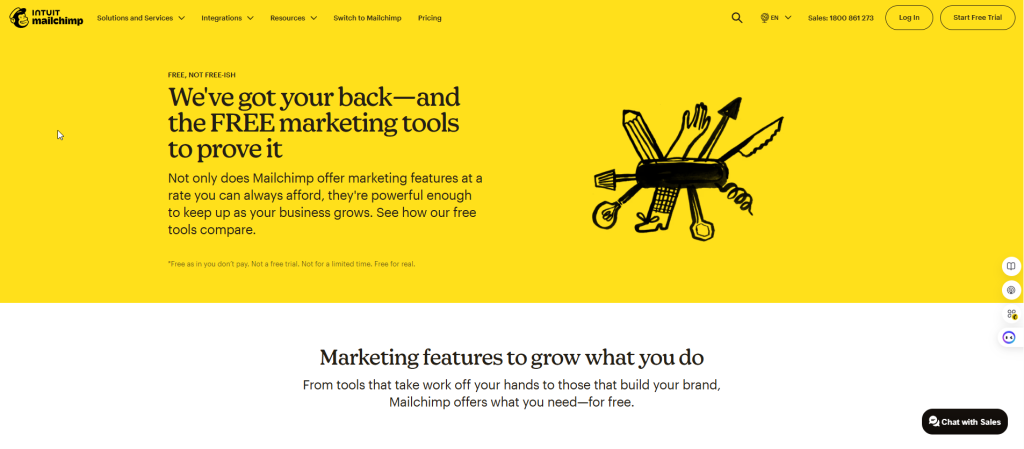
Mailchimp – Targeted Email Marketing for Client Retention
Retaining clients is just as important as gaining new ones. With Mailchimp, beauty clinics can send promotional emails, appointment reminders, and exclusive offers tailored to customer preferences, keeping them engaged and coming back for more treatments.
To manage email marketing campaigns, Mailchimp provides a free plan that allows small businesses to send targeted promotions and updates to their audience, building strong customer relationships.
Mailchimp – Email Campaigns & Client Retention
Workflow Setup:
- Create automated welcome emails when new clients book an appointment.
- Send monthly newsletters featuring skincare tips & promotions.
- Set up appointment reminders integrated with Google Calendar.
Template Example:
- Welcome Email:
“Hi [Client Name], Thank You for Booking! Here’s what to expect during your visit…”
4. Communication & Collaboration
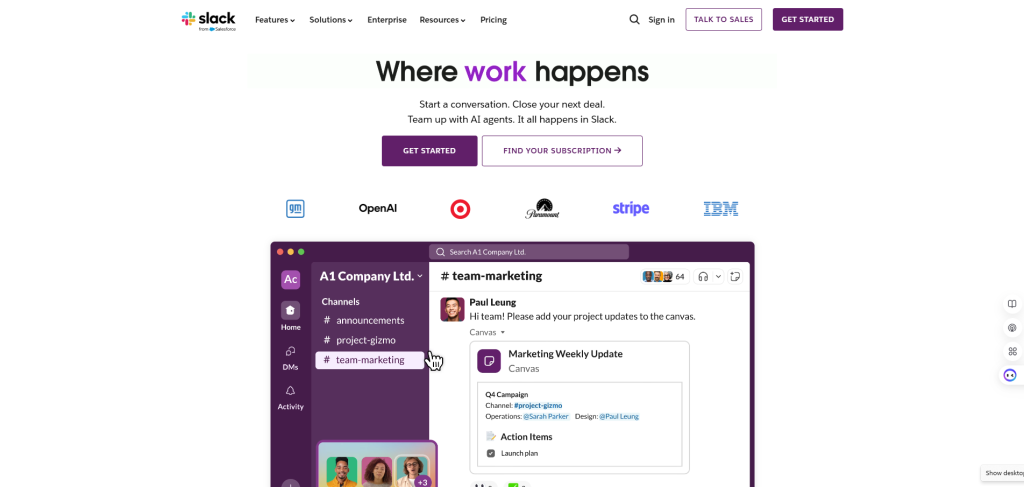
Slack – Internal Team Communication & Collaboration
Effective team communication is essential, especially in busy beauty clinics. Slack allows staff to coordinate schedules, client notes, and treatment updates instantly—reducing confusion and improving service efficiency
Effective communication is key to team success. Slack serves as a powerful team messaging tool, reducing email clutter and fostering real-time collaboration.
Slack – Streamlining Internal Communication
Slack helps beauty clinic teams stay connected, coordinate appointments, and manage client details efficiently.
Workflow Setup:
- Create channels for different departments:
- #FrontDesk (appointments & inquiries)
- #SkincareTeam (treatment updates & client notes)
- #Inventory (stock tracking & supplier orders)
- Automate appointment notifications via Zapier (e.g., Trello → Slack reminders).
- Use direct messaging for quick updates on client preferences.
Template Example:
- Channel: #Appointments
“Reminder: Jane Doe’s anti-aging facial at 3:00 PM. Prep with serum & check contraindications.” - Channel: #Marketing
“New skincare promo launching next week! Canva assets ready for Instagram.”
Zoom – Virtual Consultations & Online Training
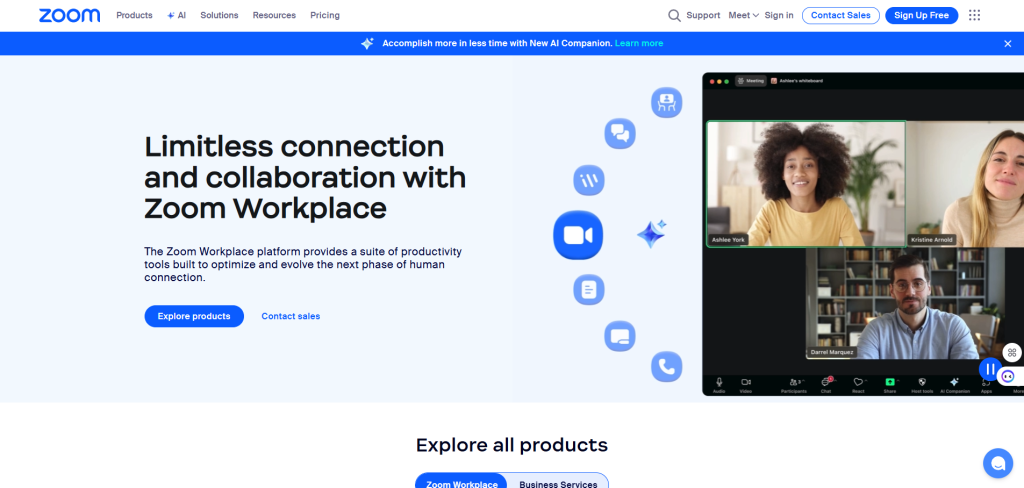
For clinics offering online skin consultations or training sessions, Zoom makes it easy to connect with clients remotely. Conduct virtual consultations, provide skincare advice, and even host workshops for estheticians interested in advanced treatments.
For external meetings, Zoom enables businesses to host virtual conferences for free, making client engagement easier and more efficient.
Zoom – Virtual Consultations
Workflow Setup:
- Send auto-generated booking links via email (integrated with Trello & Mailchimp).
- Set up pre-recorded tutorials for skincare routines.
- Offer virtual follow-ups for post-treatment skin assessments.
Template Example:
- Consultation Script:
“Hi [Client Name], let’s analyze your skin concerns and recommend a customized treatment!”
5. Productivity & File Management
Google Workspace – Secure Client Record-Keeping
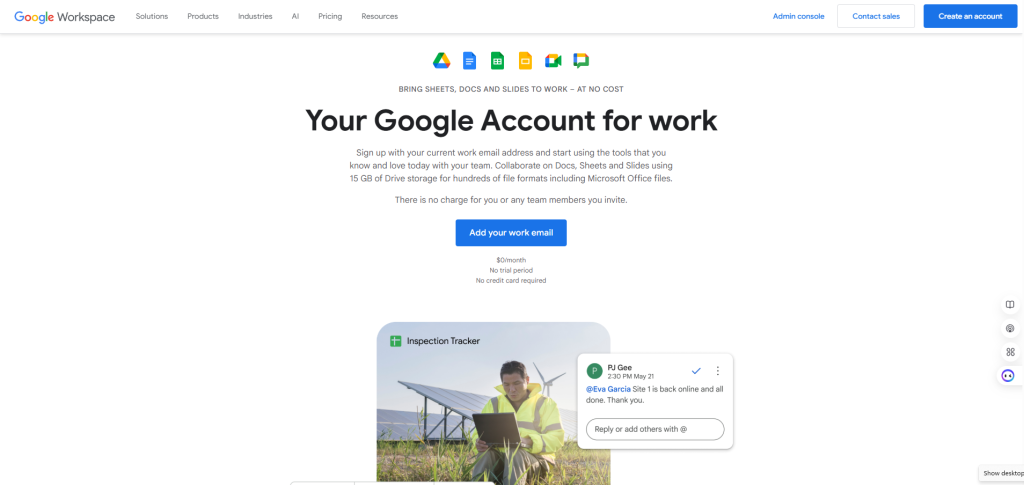
A beauty clinic deals with confidential client records, preferences, and skin history. Google Workspace enables secure storage using Google Drive, while Google Docs can be used for treatment reports, contraindications, and procedure notes.
Every business needs a secure way to store and collaborate on documents. Google Workspace offers free tools like Gmail, Docs, Sheets, and Drive, allowing businesses to manage emails, create reports, and store files efficiently.
Google Workspace – Secure Document Management & Booking Optimization
Google Workspace provides cloud storage, real-time collaboration, and seamless appointment handling for beauty clinics.
Workflow Setup:
- Use Google Drive to store treatment records, client consent forms, and business documents.
- Integrate Google Calendar for appointment scheduling and automatic client reminders.
- Create Google Forms for client intake & post-treatment feedback.
Template Example:
- Google Sheets: Appointment Tracker
| Client Name | Service | Date & Time | Payment Status |
|—————-|————|—————-|——————|
| Jane Doe | Hydrafacial | June 15, 3:00 PM | Paid | - Google Forms: Client Consultation
“What are your main skin concerns?”
- Wrinkles
- Acne
- Pigmentation
- Sensitivity
Buffer – Scheduling Social Media Content
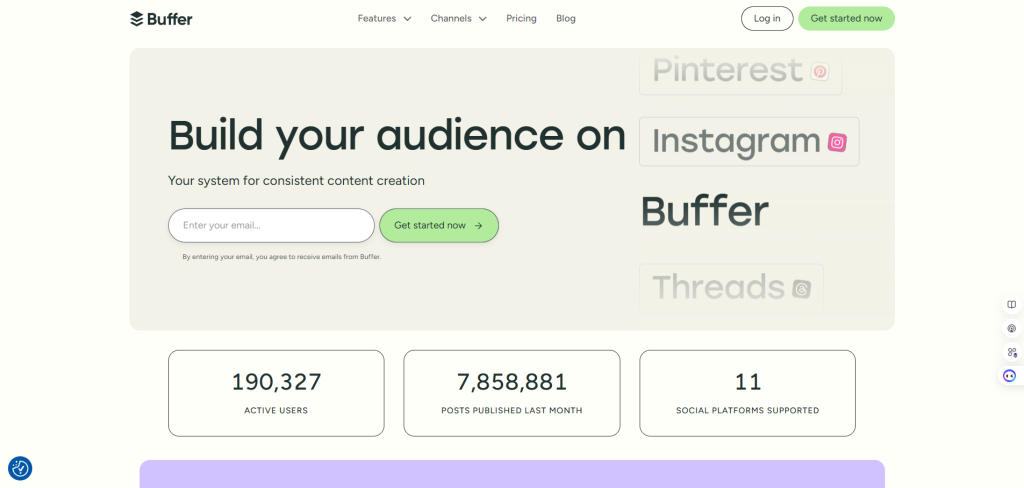
A strong online presence helps attract clients. Buffer lets beauty clinics schedule social media posts across platforms like Instagram and Facebook, ensuring a consistent brand presence without manually posting every day.
Buffer, a free social media scheduling tool, ensures that businesses can maintain an active online presence without constantly managing posts manually.
Buffer – Social Media Scheduling
Workflow Setup:
- Plan weekly Instagram posts promoting services & skincare tips.
- Track engagement analytics to refine content strategy.
- Automate seasonal offers (e.g., Valentine’s Day skin glow packages).
Template Example:
- Post Caption:
“Achieve radiant skin with our new treatment. Book today & enjoy a spa-like experience!”
Here’s a comparison table with links to free and paid business software:
| Software | Free Version | Paid Version |
|---|---|---|
| Trello | Basic task management, limited boards | Advanced automation, unlimited boards |
| Wave | Free invoicing & accounting | Payroll & premium support |
| Canva | Basic design templates | Premium assets, brand kits, AI tools |
| Zoom | 40-min meetings, basic features | Unlimited meetings, cloud recording |
| Mailchimp | Limited email campaigns | Advanced automation, audience insights |
| Slack | Limited message history | Unlimited history, workflow automation |
| Google Workspace | Free Gmail, Drive, Docs | Business email, more storage, admin controls |
| Square | Free POS system | Advanced analytics, loyalty programs |
| Zapier | Limited automation tasks | Multi-step workflows, premium integrations |
| Buffer | Basic social media scheduling | Analytics, engagement tools |
Using free business software in a beauty clinic can enhance efficiency, improve client experience, and boost revenue—all without hefty software expenses. These tools help streamline operations, maintain professional branding, and automate essential tasks.